

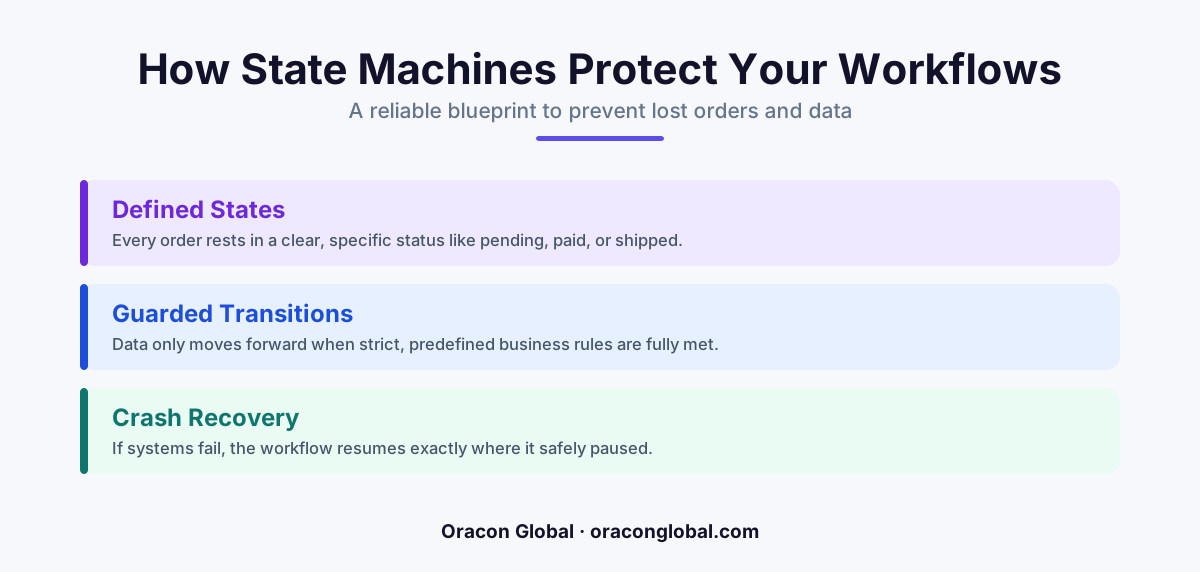
A state machine is a visual and logical map that tracks exactly where a task stands in your business process. By enforcing strict steps, it guarantees that automated workflows like order processing never lose data, freeze, or skip critical phases when unexpected system crashes occur.
Imagine ordering a warm, fresh coffee on a mobile app. You pay your money, the screen spins for a second, and then your phone battery dies. When you turn the phone back on, you face a stressful mystery. Did the coffee shop get your money? Is someone preparing your drink? Or did your order simply vanish into the digital ether?
For many businesses, this digital vanishing act happens every single day behind the scenes. Orders freeze mid-transit. Invoices get stuck between systems. Automated tasks stop halfway through, leaving customers frustrated and operations teams scrambling to clean up the mess.
There is a remarkably elegant way to prevent this chaos. It is a software design concept called a state machine. While the name sounds highly technical, the concept is incredibly simple, logical, and vital for anyone building reliable business systems. Here is a plain-English guide to what a state machine is, how it works in state machine workflow automation, and why it is the ultimate safety net for your company's digital operations.
What Exactly Is a State Machine?
To understand a state machine, let us define the word "state" first. In software, a state is simply a status. It is the specific condition that an object or process is in at any given moment. For example, an e-commerce order might be in a state of "Paid," "Shipped," or "Delivered."
A state machine is a simple blueprint that manages these statuses. It is a set of strict rules that dictates three things:
- All the possible statuses a process can ever have.
- How a process is allowed to move from one status to another.
- What specific event must happen to trigger that movement.
Think of it as an automated security guard for your business data. It ensures that a task cannot skip steps, get stuck in an impossible status, or change without permission. It brings order and predictability to business process automation.
A Relatable Everyday Analogy: The Subway Turnstile
To see a state machine in action, picture a standard subway turnstile. This turnstile has two possible states: Locked and Unlocked.
The rules of this simple state machine are absolute:
- The turnstile starts in the Locked state. If you push it, it will not move.
- When you swipe a valid transit card (this is the triggering event), the state changes to Unlocked.
- Once you walk through the turnstile (another triggering event), it immediately changes back to the Locked state.
Because of this logical design, the turnstile can never end up in a strange halfway state. It is either completely locked or completely unlocked. It cannot accidentally let two people through on one swipe, because the very act of one person passing through triggers the lock. A software state machine works exactly the same way, but with your business workflows.
The Real-World Use Case: The Invisible Order Disaster
To understand why this matters for workflow management, let us look at a common business workflow that does not use a state machine, and see how easily it breaks.
Imagine an online store that sells custom furniture. When a customer clicks "Buy," the background software must complete three tasks in a row:
- Charge the customer's credit card.
- Update the inventory database to reserve the lumber.
- Send an automated confirmation email to the warehouse.
In a traditional, fragile workflow, the software runs these steps one after another in a single, continuous chain. If everything goes perfectly, it works. But what happens if the office internet drops, or the warehouse email server crashes right after the credit card is charged?
The chain breaks in the middle. The software forgets where it was. The customer has been charged, but the warehouse never gets the email, and the inventory is never updated. The order has vanished into thin air. You now have an angry customer, a missing product, and no easy way to trace what went wrong.
How the State Machine Saves the Day
Now, let us look at that same furniture order managed by a state machine. Instead of running a blind chain of events, the software tracks the order through clear, saved states in a database:
- State 1: Order Created. The system records that a customer wants to buy an item.
- State 2: Payment Received. The software attempts to charge the card. If successful, the state changes to "Payment Received."
- State 3: Inventory Reserved. The system reserves the lumber. Once confirmed, the state updates.
- State 4: Warehouse Notified. The system sends the email. Once the email server sends back a receipt, the state updates to "Completed."
If the warehouse email server crashes during State 3, the state machine does not panic. It simply notes that the order is safely paused in the "Inventory Reserved" state.
When the email server comes back online, the system looks at its records, sees the order is still waiting to transition to the final state, and picks up exactly where it left off. No lost data, no duplicate charges, and no vanished orders. This is what makes it a cornerstone of reliable software systems.
Why Your Business Operations Need State Machines
When you are building custom tools or investing in custom backend development, insisting on a state machine architecture offers several massive advantages for your operations team.
1. Complete Visibility
Because every step of a process is saved as a specific state in your database, you always know where things stand. If a customer calls to ask about their order, your support team does not have to guess. They can look at the system and see that the order is currently in the "Awaiting Quality Check" state.
2. No Duplicate Mistakes
Have you ever clicked a submit button twice on a slow website and ended up getting charged twice? A state machine prevents this. If an order is in the "Processing Payment" state, the system will block any second payment attempt because the rules of the state machine say you cannot transition from "Processing Payment" to "Processing Payment."
3. Graceful Recovery From Crashes
Computers fail, internet connections drop, and external software integrations go down. A state machine acts like a checkpoint in a video game. If your system goes offline, your workflows do not die; they simply pause at their last saved checkpoint, waiting to resume safely when the lights come back on.
Building Automation That Lasts
As you scale your business, manual tasks must turn into automated workflows. But automation is only as good as its reliability. Building your software systems with a state machine framework ensures that your operations remain stable, predictable, and audit-ready, no matter how complex your processes become.
At Oracon Global, our senior in-house team builds robust, production-ready AI tools, workflow automation, and custom web and mobile applications designed to keep your operations running smoothly. We ensure your systems are resilient, your data is secure, and you retain 100% ownership of your code and intellectual property.
Want to build reliable workflow automation that keeps your business processes safe? Contact us at Oracon Global today to discuss how we can build robust, error-proof systems for your team.
Frequently asked questions
What is a state machine in simple terms?
It is a logical map that ensures a business process can only exist in one specific, approved status at a time and can only move to another status through predefined steps.
How does a state machine prevent lost orders?
If a system crashes or an API goes down mid-transaction, the state machine saves the exact status of the order, allowing the workflow to resume precisely where it left off instead of disappearing.
Do I need a state machine for simple automated tasks?
While simple, single-step tasks might not need one, any business process that involves multiple steps, approvals, or external software integrations will benefit from a state machine to prevent errors.
Can a state machine handle human-in-the-loop approvals?
Yes, state machines are excellent for human approvals because they can hold a task in a "Pending Approval" state indefinitely until a human clicks a button to transition it to the next step.
Read next
Beyond Chatbots: How to Build AI Agents That Actually Do Work for Your Business
Most businesses use AI to answer questions. Here is how to build custom AI agents that actually take action, connect to your internal tools, and handle complex workflows.
Beyond the Wrapper: How to Build Custom AI Agents for Business That Actually Work
Many businesses invest in basic AI wrappers only to find they lack the security and context needed for real work. Here is how to build custom AI agents that integrate deeply with your workflows and databases.
Enterprise AI Maintenance Costs: Budgeting for Year Two and Beyond
Building an AI system is only half the battle. Discover the practical, ongoing operational costs of enterprise AI, including token management, model drift, and continuous security audits.
Oracon Global builds production-grade AI agents, automation and apps — and you own the code and IP. Tell us what you want to automate.
Book a call →See our work